Meal planning for your whole household
Good Fork helps couples, families and roommates plan meals together from their own accounts under one shared “Household.” From when you plan a meal to when you shop for groceries, everything is shared live as it happens. When it’s time to cook, you can follow the same recipe or cook individual recipes from separate phones, too.

On iPhone and iPad. Coming soon to Android.
With Good Fork Pro, your entire household is covered by one subscription.
Here’s how household sharing works
- Separate accounts
Gone are the days of sharing passwords or taking turns adding meals to a plan.
- No household size limit
Invite the people you plan and cook with.
- Household roles
Assign roles to everyone in your household. We call these roles “Chef,” “Sous Chef” and “Kid.” Kids 13+ can join.
- One subscription
One paid Pro subscription is shared across the whole household. Everyone can add their favorite recipes from TikTok!
- Availability
Available on iPhone. Android coming soon.
A better way to plan, shop and cook together
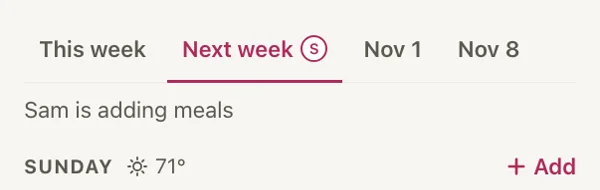
- PlanPlan together without the chaos of wiping plans or passing a phone back and forth
Good Fork lets everyone plan in real time from their own account.
- ShopShop separately with one shared list
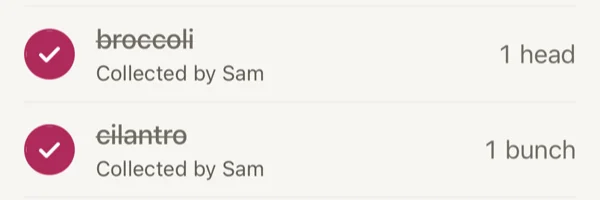
Instead of comparing lists or following each other around, split up and see checked-off items update on every phone, including who collected them.
- CookCook together from separate phones
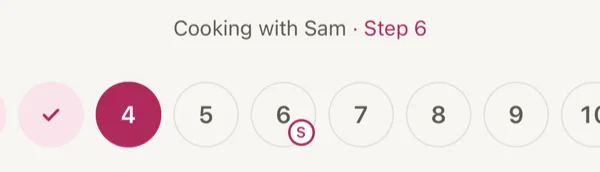
See live progress from each person, or even start a completely different recipe without pulling someone out of their own cooking session.






Everyone gets their own account, with the right permissions
Good Fork keeps your household’s meal planning in one place without making everyone use the same login.
Each person you invite gets an account with a role that determines what they can do.
Chef
Full household access, including inviting and removing members, enabling Kid-friendly features and choosing whether Kids can see the grocery list.
Sous Chef
Can plan meals, manage the grocery list and use household features, but can’t invite or remove members, enable Kid-friendly features or change Kid grocery list permissions.
Kid 13+
Can favorite recipes, mark “Want this next” and join Cook Together. Can see and check off grocery items if the Chef allows it, but can’t add items, import recipes or use Remix.
There is no limit on how many people can join your household, and you only need one Pro subscription.
Your household stays private. Only members of your household can see its shared meal plans, grocery list, cooking sessions and imported recipes.
Plan meals together in real time
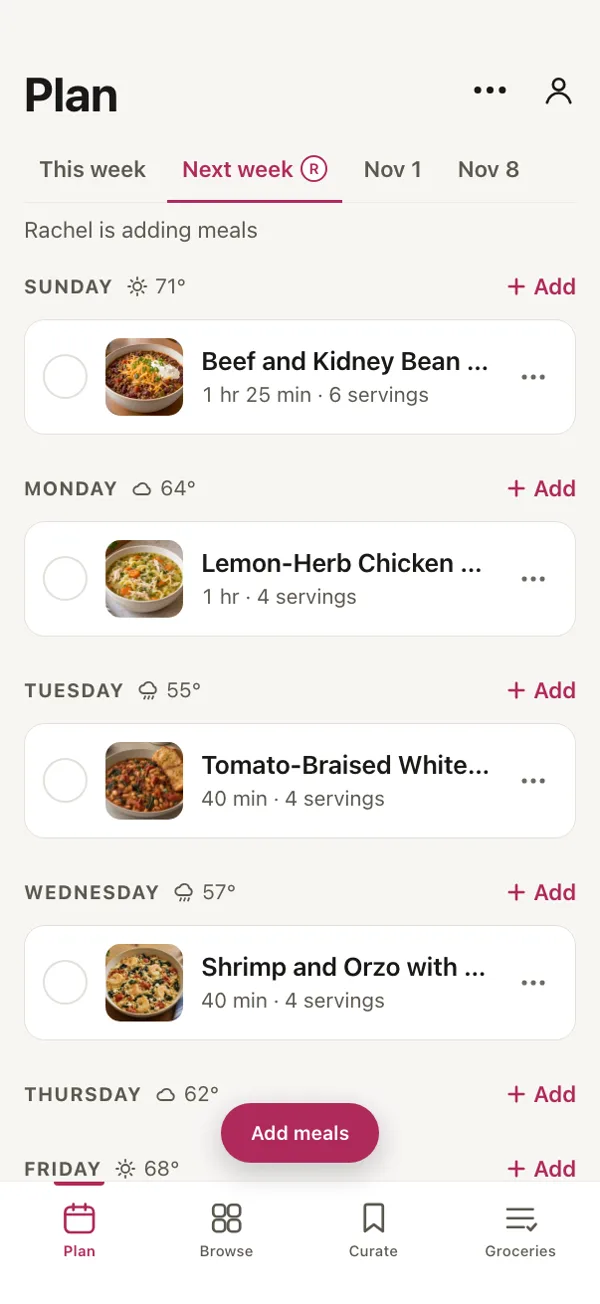
Good Fork lets Chefs and Sous Chefs in a Pro household plan meals together from separate accounts. Changes appear in real time, and everyone planning can see who’s adding meals without waiting for someone else to finish.
Read more
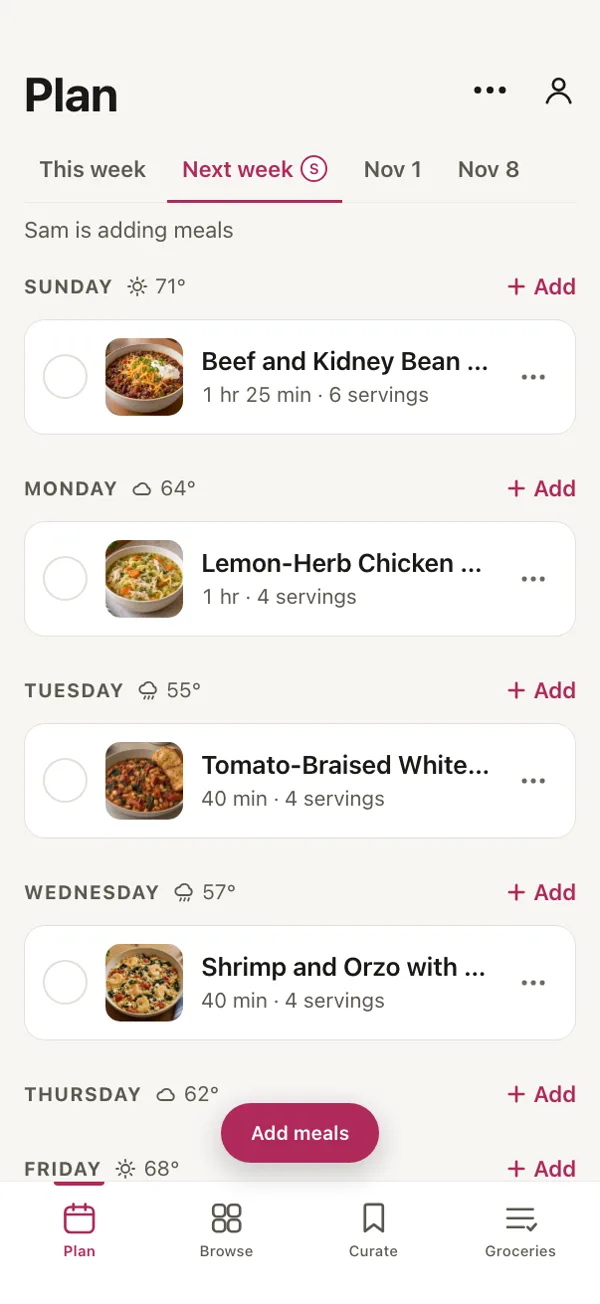
Members invited to your household all have their own account and their own password. Meal planning syncs in real time, allowing for live collaboration. When someone is working on a meal plan, Good Fork shows which week is actively being planned, which dishes are being added and who’s adding them, with messages such as “Julie is adding meals.”
Households can choose between two planning modes. Flexible keeps your week open, so you can enjoy lasagna or enchiladas when you’re ready for them at that moment. Scheduled assigns meals to each weekday, and you can assign multiple meals to a day. With Pro, you can plan up to four weeks ahead.
One shared grocery list that updates while you shop
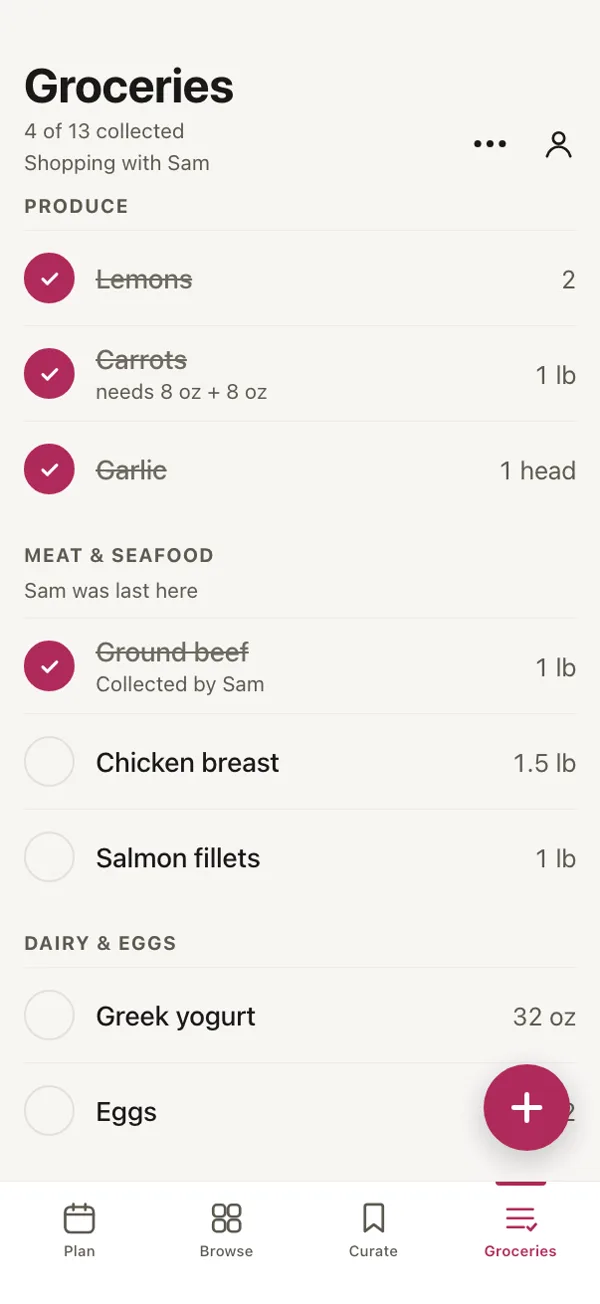
Good Fork gives Pro households a shared grocery list that updates across everyone’s phones. When someone checks off an item, the change appears for the rest of the household, along with the name of the person who collected it.
Read more
Shopping together is collaborative and real-time. Shop close by or split off for quicker grocery shopping. Items are marked with who checked them off, and you can see the last aisle someone was in. Trust us, that makes finding each other a little bit easier.
Chefs and Sous Chefs can use the shared list as part of household planning. Kid accounts have more limited access. The Chef decides whether a Kid can see the grocery list at all. If access is enabled, the Kid can check off items while shopping, but can’t add new items. If it’s disabled, the grocery list isn’t visible to that account.

Cook Together: shared steps and timers
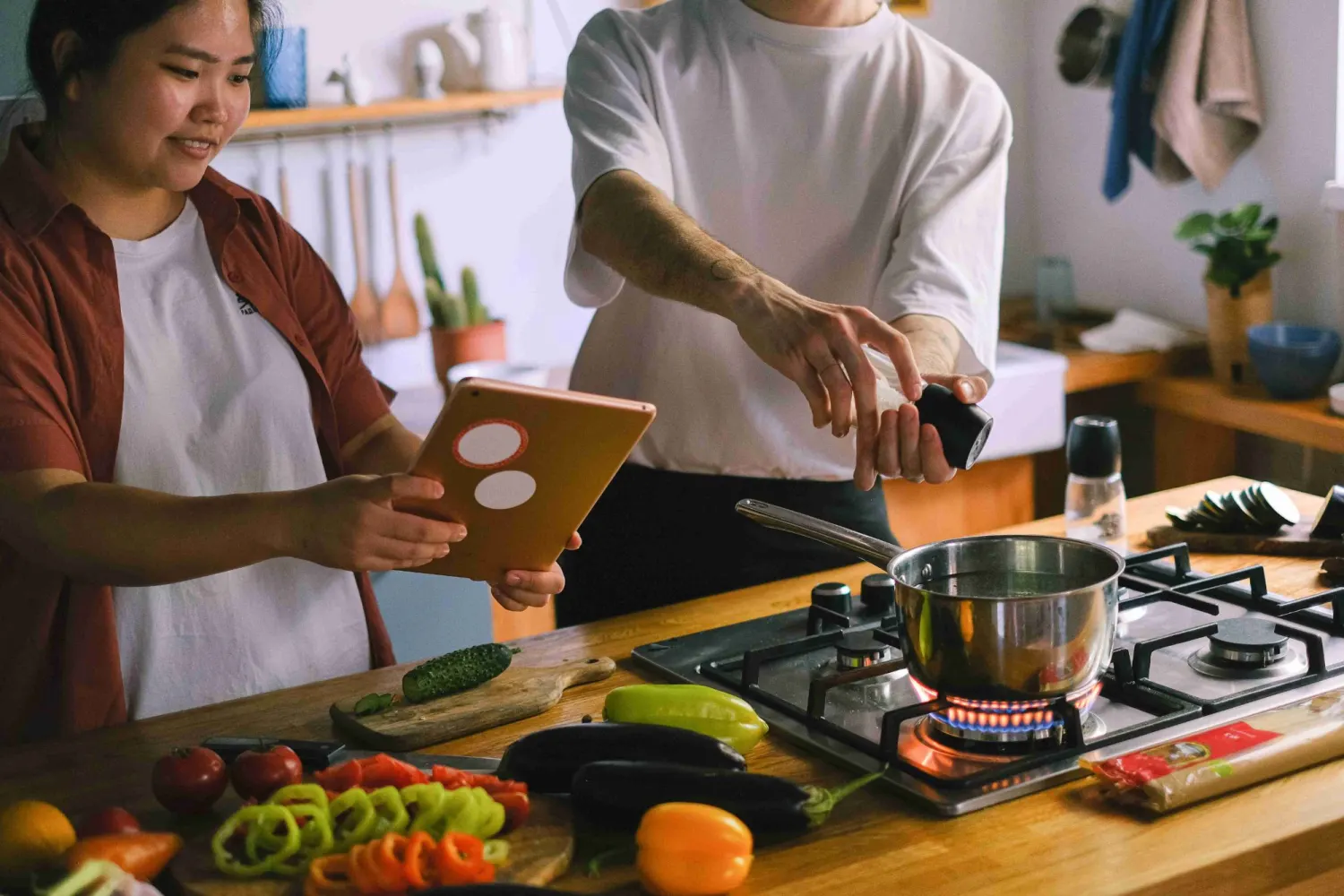
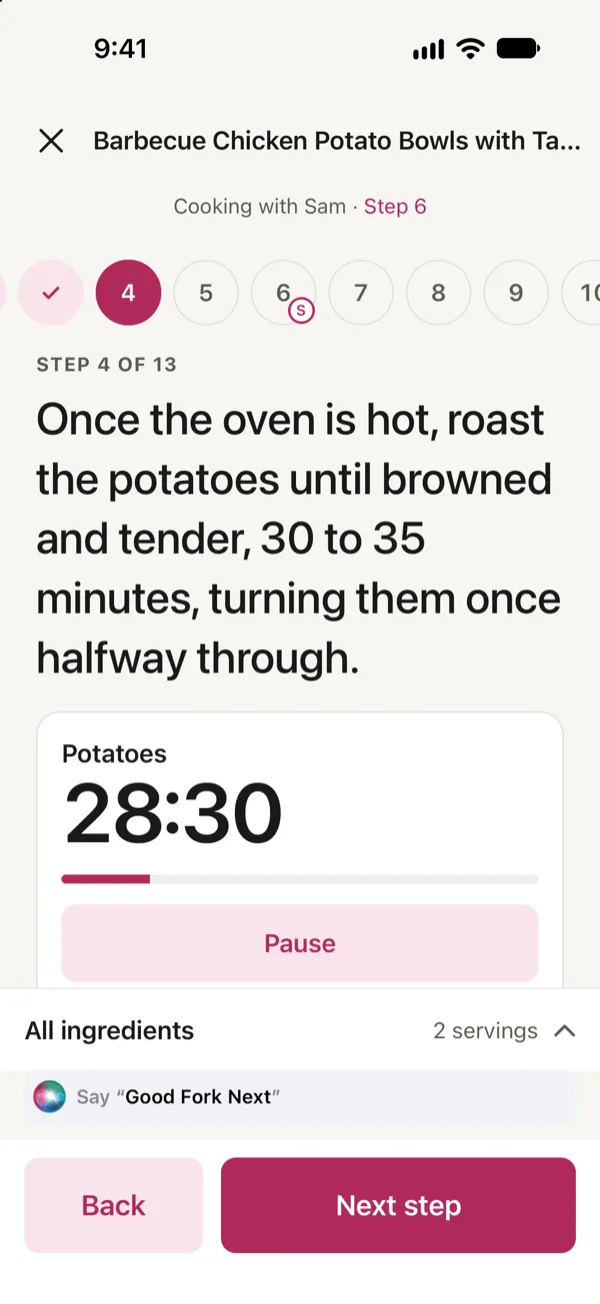
Cooking is highly collaborative in Good Fork. No more sharing a phone, kicking someone out of their own cooking session or wondering which step someone is on. With Good Fork, you can cook separate recipes, or you can cook the same recipe together with shared timers.
Read more
When someone starts a recipe, other household members can join the cooking session from their own phones. Everyone follows the recipe independently, with a view of which step each person is currently on. You don’t have to keep asking someone across the kitchen where they are in the instructions.
If one person starts a timer, it appears on the phones of everyone taking part. That way, everyone can keep track of the same cooking times while working through the recipe. Kid accounts can participate in Cook Together, too.
Cook Together doesn’t assign tasks or split a recipe into separate jobs for different people. You decide who handles each part of the meal. One person can be further along in the recipe than another, and each can still see the other’s progress. The shared steps and timers help you stay coordinated without requiring everyone to follow the recipe at exactly the same pace.
Good Fork for families with teens
Good Fork is a family meal planning app that lets kids ages 13 and older participate through Kid accounts. They can favorite recipes, request meals with “Want this next,” and join Cook Together without having full access to household settings.
Read more
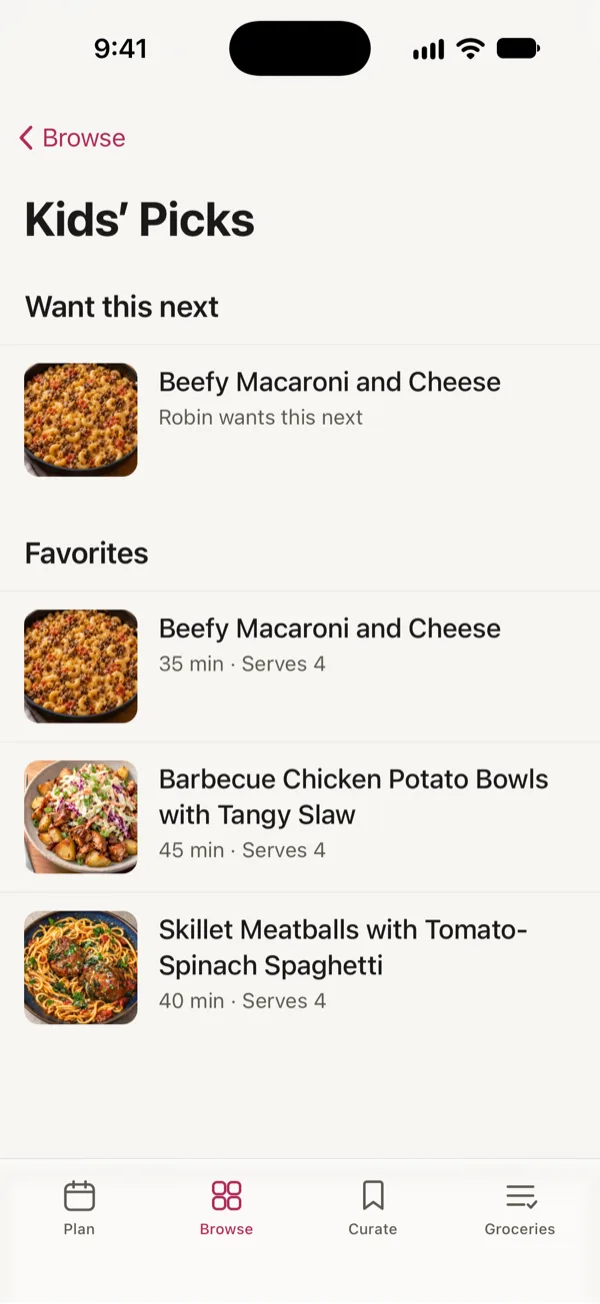
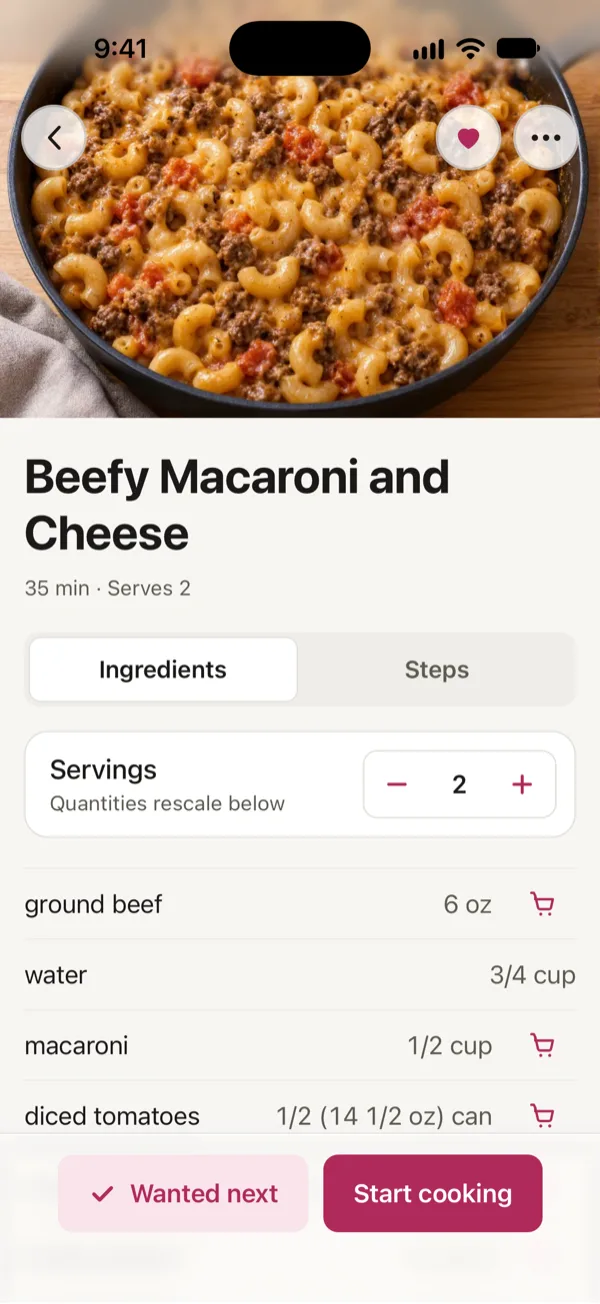
Kids can favorite recipes and mark dishes with “Want this next” when they’d like them included in an upcoming meal plan. Adults see those requests when meal planning, making life just a little easier. Kids can also join Cook Together and follow recipes from their own phones.
Kids can’t import recipes, use Remix or add grocery items. When it’s time to shop, you decide if they have access to the list or not.
Have younger kids or kids without a phone? You can still mark recipes your kids enjoyed by visiting household settings and enabling the kids feature. No separate Kid account needed. Recipes you mark that your kids liked populate in their own section and show a Kid Friendly tag in Browse and when planning.
Meal planning with roommates
Good Fork works for roommates who share meals and groceries without sharing a login. Everyone can have their own account, contribute to the household meal plan and see grocery list changes on their own phone.
Read more
A Good Fork household doesn’t have to be a family. Roommates can join the same Pro household with an invite code, giving everyone their own login while keeping meal planning and grocery shopping in one place.
We’d recommend the Pro account holder hold the Chef role and invite each roommate as a Sous Chef. Chefs and Sous Chefs all have access to planning meals, managing grocery lists and cooking together (or separately).
Roommates can choose how structured they want their meal plan to be. Flexible mode keeps a list of meals to cook whenever the household feels like them. Scheduled mode puts meals on specific days. Everyone in the household uses the same planning mode.
At the store, roommates can see which items have already been collected and who checked them off. If they’re cooking the same recipe together, Cook Together lets them follow along on separate phones with shared timers and visible steps.
There’s no household size limit with Pro, and one subscription covers everyone in the household.
One Good Fork Pro subscription covers the household
One Good Fork Pro subscription covers your entire household, with no limit on members. Everyone gets their own account, and household members can plan meals, shop and cook together in real time.
Pro also includes planning up to four weeks ahead and no limit on saved recipes. Chefs and Sous Chefs can import recipes and use Remix. Kid accounts have their own permissions and can’t import recipes or use Remix.
The Free plan is designed for one person and lets you save up to 15 of your own recipes.
Frequently asked questions
Does everyone need their own Good Fork account?
With Good Fork Pro, everyone who joins your household can have a separate account. Each person signs in independently, and you all share the household’s meal plan and grocery list. You only need one Pro subscription.
Is there a limit to how many household members I can add?
No. Good Fork doesn’t limit the number of people you can add to a Pro household.
Can teens use Good Fork?
Yes. Members ages 13 and older can join with a Kid account. The Chef confirms their age when inviting them. Kids can favorite recipes, mark “Want this next” to request meals and join Cook Together. They can’t import recipes or use Remix. The Chef also decides whether they can see the grocery list. If allowed, they can check off items but can’t add new ones.
How can younger children participate without an account?
A Chef or Sous Chef can mark recipes as Kid Friendly, and those recipes show a Kid Friendly tag in Browse and when choosing meals. This gives younger children a way to have their favorite meals included without needing their own Good Fork account. To add one, open the recipe’s menu and select “Mark as Kid Friendly.” Recipes favorited by teens appear in Kids’ Picks.
Is Good Fork only a family meal planning app?
No. Good Fork helps couples, families and roommates plan meals together from their own accounts under one shared household. A Good Fork household doesn’t have to be a family.
Is there a web version of Good Fork?
Good Fork’s web version isn’t available yet. Household sharing is currently available on iPhone.
When will Good Fork be available on Android?
Good Fork is available on iPhone now, with Android coming soon. We haven’t announced an Android release date.
How much does household sharing cost?
Household sharing is included with Good Fork Pro, which costs $3.99 per month or $34.99 per year. One subscription covers everyone in your household, including their eligible Pro features.
What happens if the person paying for Pro leaves the household?
The Pro subscription stays with the person who pays for it. If that person leaves the household, the household moves to the Free plan and no longer has access to Pro household features.
Can I use Good Fork without Pro?
Yes. Good Fork Free is for one person and lets you save up to 15 of your own recipes. Pro adds household accounts, real-time collaboration, Cook Together and additional planning and recipe features.
What happens if two people edit the meal plan at the same time?
With Pro, both people can work on the plan simultaneously. Each person sees what the other is adding as it happens, without having to wait for the other person to finish.
Who can see our household’s plans and grocery lists?
Only people in your household can see its shared meal plans, grocery list, cooking activity and shared imported recipes.
Make meal planning something you do together
Whether you’re planning dinners with your partner, cooking with your kids or sharing meals with roommates, Good Fork gives your household one place to plan and keep everyone involved. Everyone gets their own account, and one Pro subscription covers your household.
Coming soon to Android.